
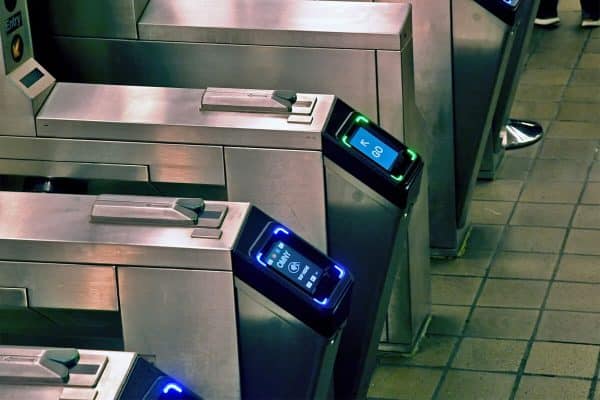
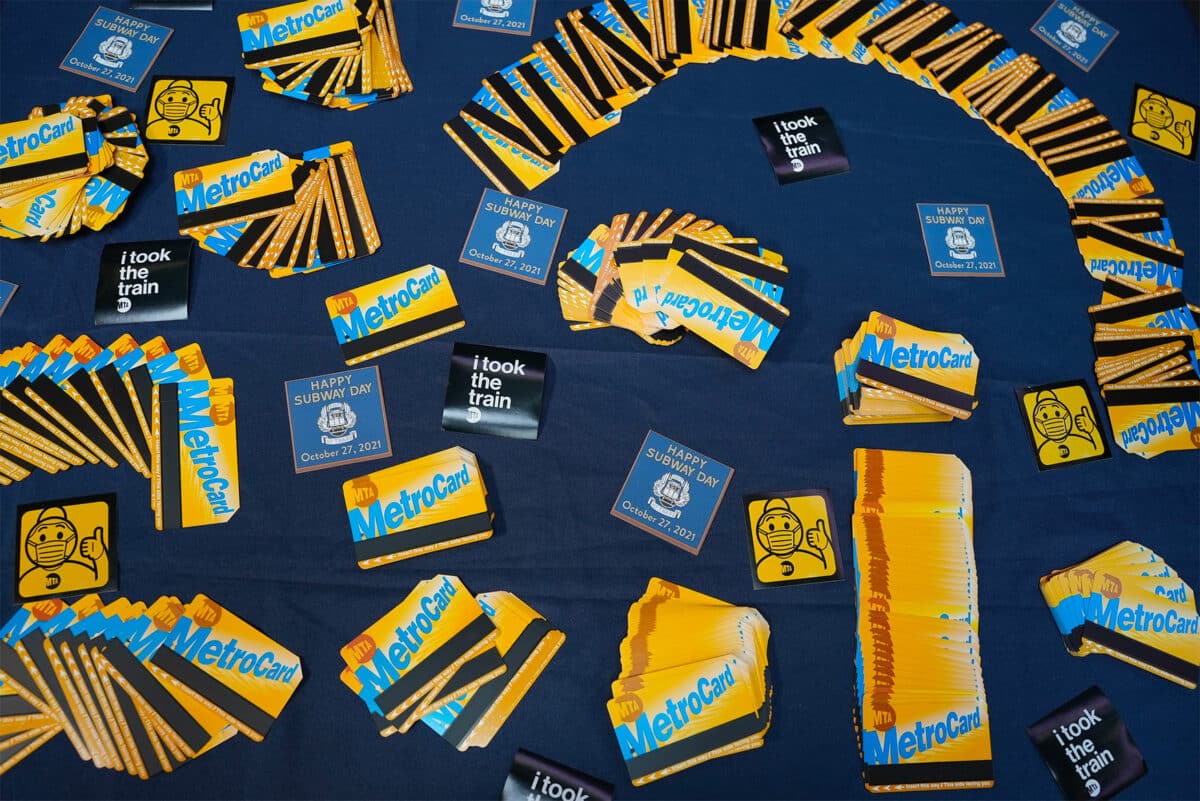
New York’s famous MetroCard will be coming to an end in the next few months, announced the chairman of the MTA (Metropolitan Transportation Authority) at the start of 2024.
Welcome OMNY
Less sexy than the MetroCard and, above all, less explicit, OMNY is the new acronym you’ll see when you visit New York City. It stands for “One Metro New York” and is the future of New York City’s new metro and bus payment system.
Find out everything you need to know about OMNY here: how it works, how to use it and what it means for your next trip to New York!
The New York metro with OMNY at a glance
- OMNY will replace the MetroCard for the underground and MTA buses from 2023
- Until then, the MetroCard will continue to work
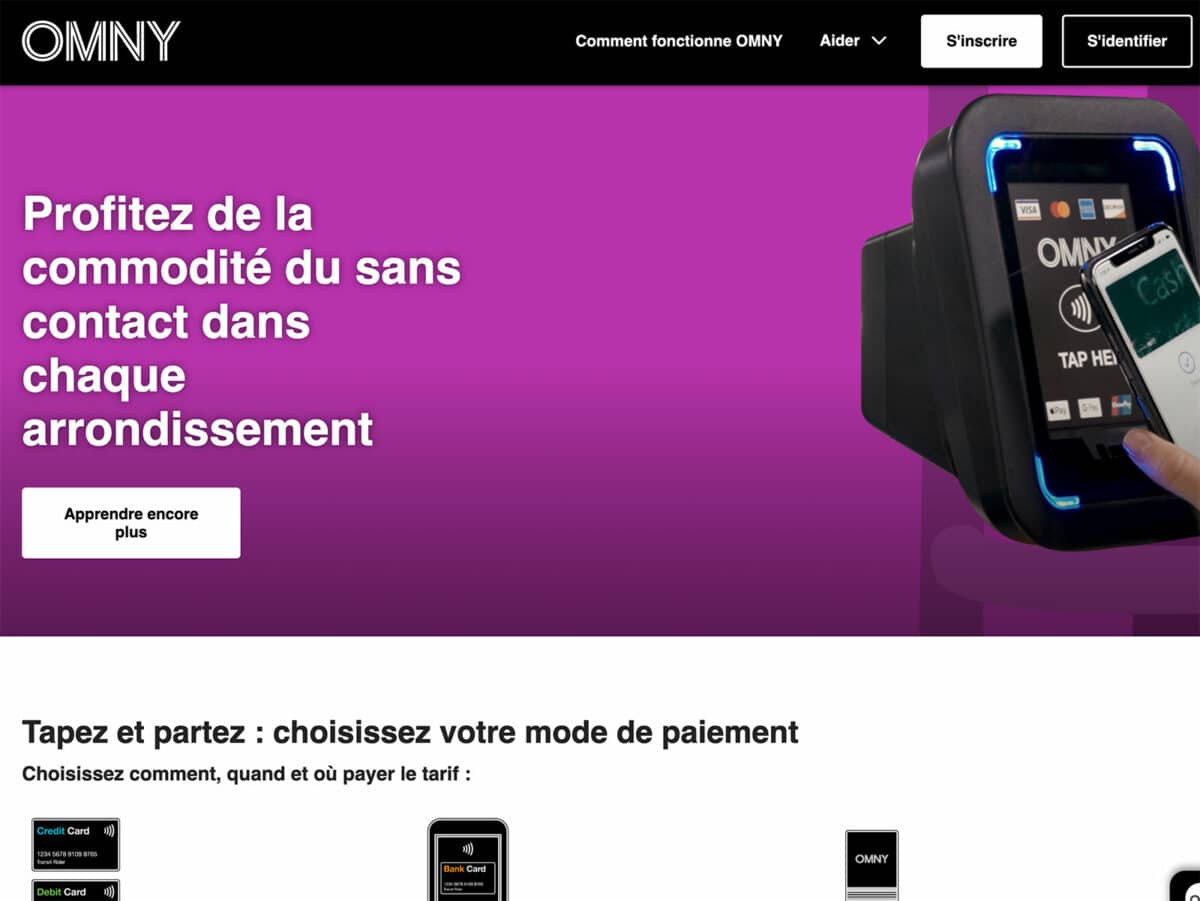
- Contactless payment directly via credit card, smartphone or smartwatches.
- Payment possible via Google Pay, Apple Pay, Samsung Pay and Fitbit Pay.
- Long Island Rail Road and Metro-North Railroad trains will be supported later this year.
Is OMNY valid everywhere?
You can use One Metro New York (OMNY) on all New York City buses and on all New York City underground lines, regardless of the borough in which you are travelling in New York.
How much does One Metro New York cost?
The OMNY service itself is free, as is the creation of your account (where you can track all your previous journeys and your bills). Prices remain unchanged at $2.90 per bus or metro journey, and as with the $34 unlimited 7-day Metrocard, as soon as you spend $34 (12 journeys) with OMNY, you pay nothing for 7 days from the day of your first journey.
Example: you arrive on Monday and make 6 journeys, and on Tuesday you make 6 new journeys. You will then have paid $34 and will be able to take the bus and metro for free until Sunday evening.
Cash payment will still be possible in future, but with a diversion: at designated stations, use cash to top up your MTA contactless public transport card. You will then be able to enter metro stations using this card.
How OMNY works in New York
To use the new system, you must first register on the official website. Don’t worry, it’s free and quick:
- Visit the website and register: https: //omny.info/
- Enter your payment method
- Confirm your account by email
You’re done!
Here’s how easy it was to register. You can change the language at the bottom of the site to French.
Register on OMNY
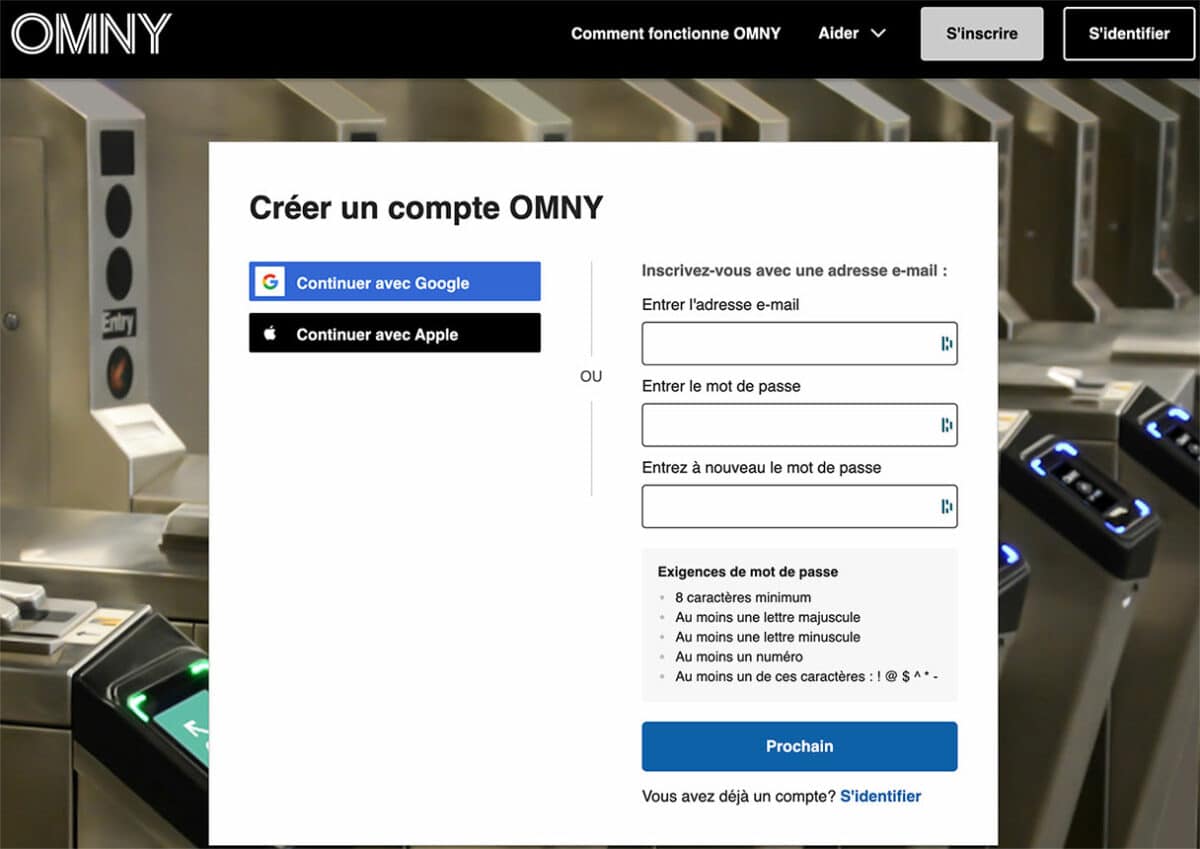
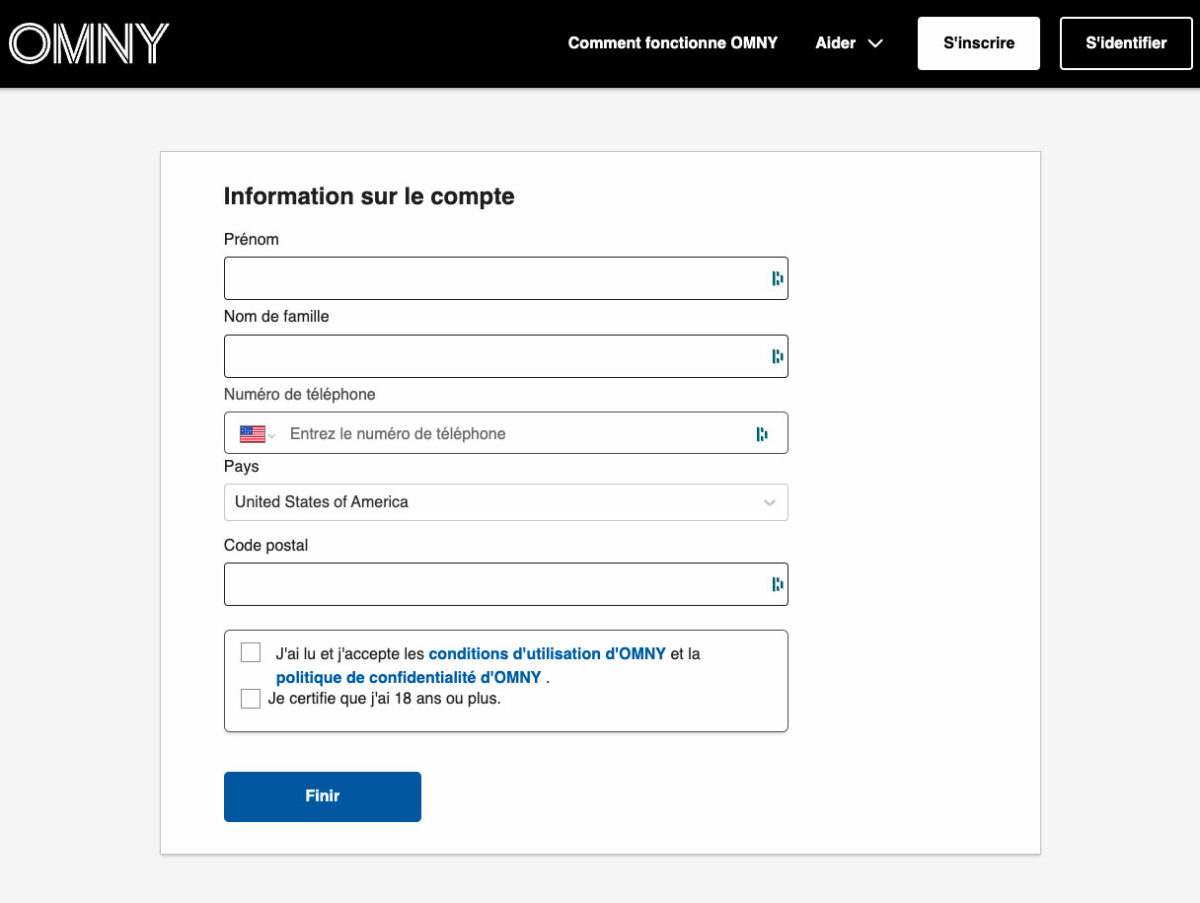
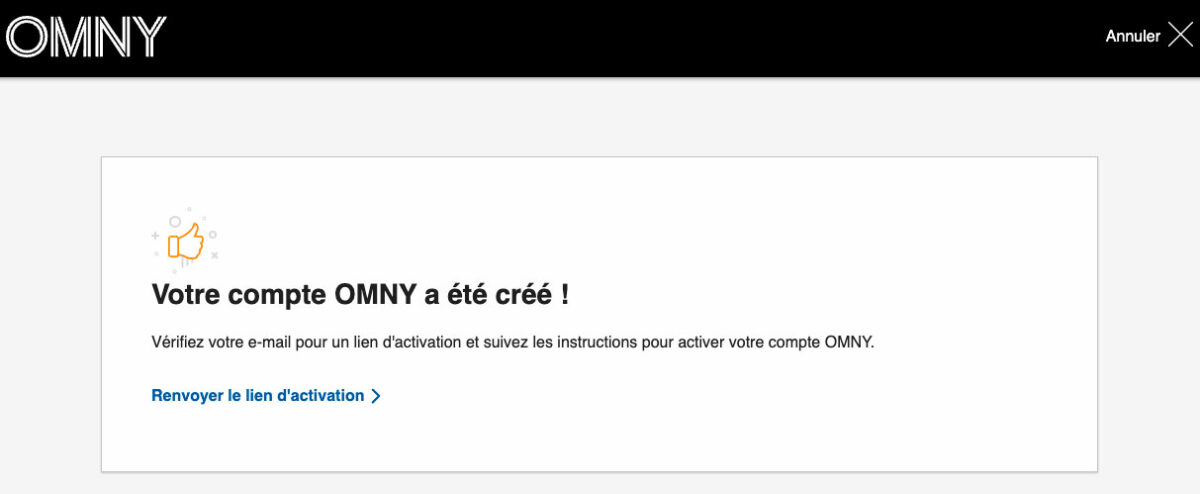
You’ll see three screens, the first if you want to sign up with a Google or Apple account or with your email. Next, OMNY will ask you for some personal information (first name, surname, country and telephone number) and that’s it! Your account is created.
Your OMNY portfolio
All that’s left is to go to “Wallet” to set up a means of payment. As tourists in New York, we recommend that you add a bank card on which you don’t have to pay exchange fees (with a bank like Revolut, or N26, see which bank card for NYC).
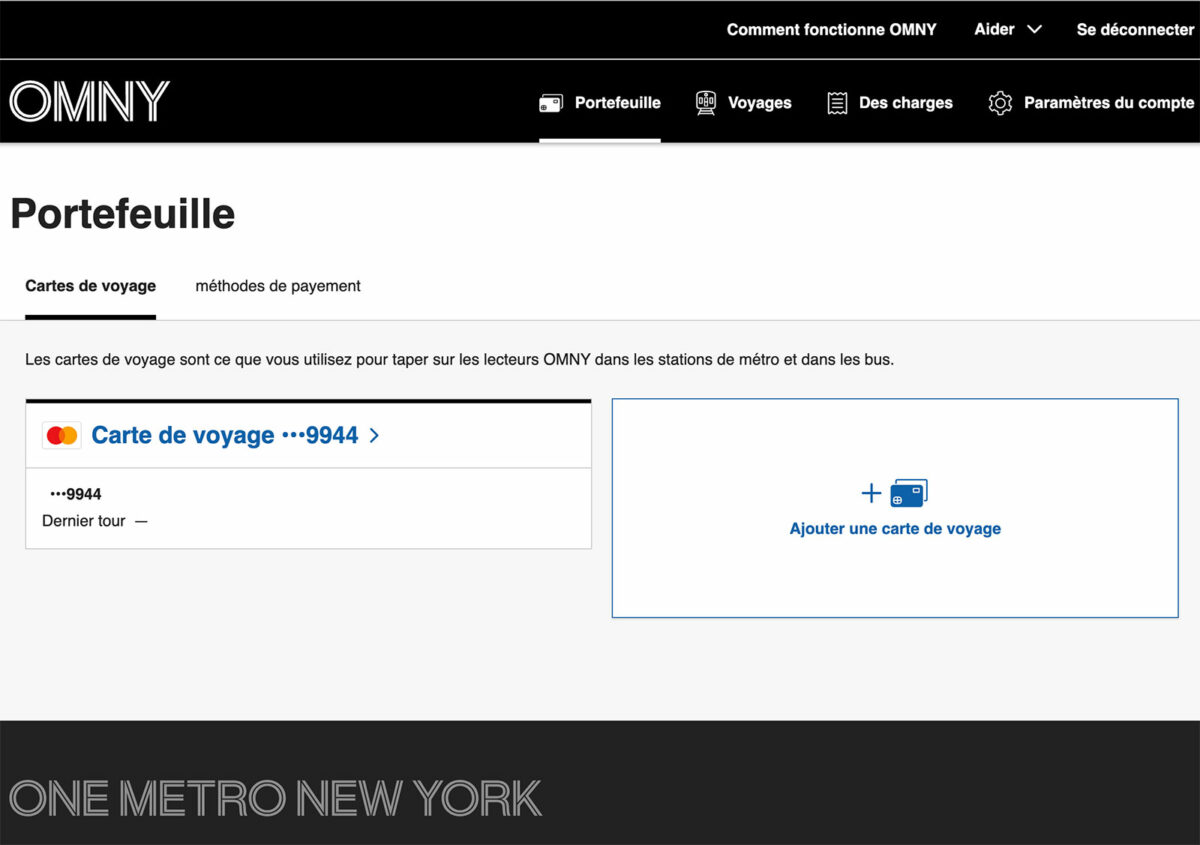
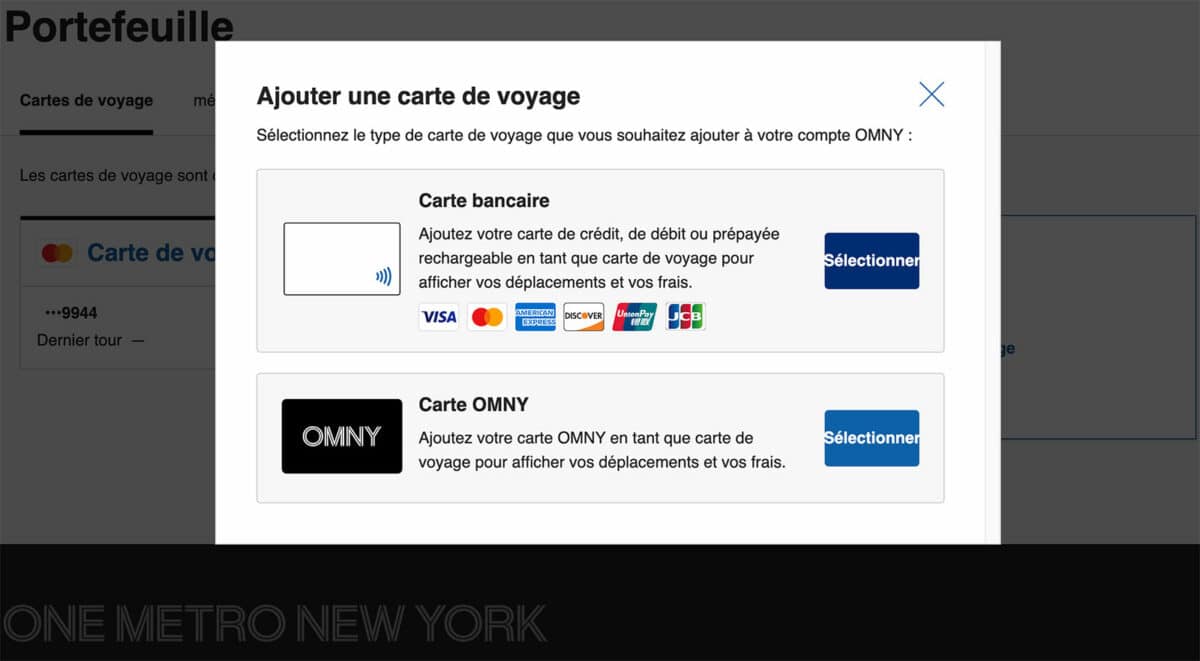
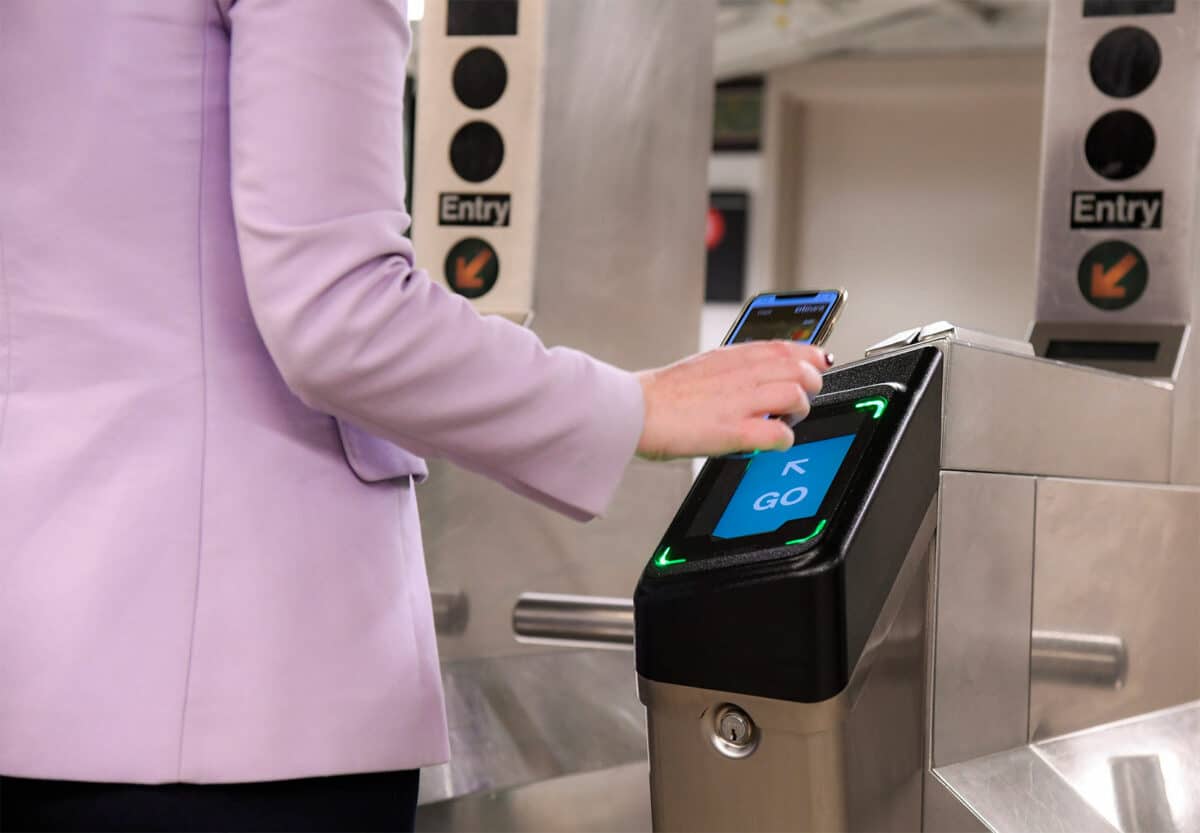
All you have to do is hold your registered card, or your smartphone if you use Google Pay or Apple Pay, over the scanner in front of the turnstile.
All travel and costs in one place
Your account lets you manage everything from payment methods to passwords. And what I really like is that you can quickly see the journeys you’ve made, including the corresponding receipts. This gives me the impression that I can use the New York metro and buses more efficiently, while keeping a good overview of costs and journeys!
How do I use OMNY in the metro?
At all metro stations and on buses, you’ll find the new OMNY terminals in front of MetroCard readers. Simply hold your contactless credit card, smartphone or watch close to the screen (at the “TAP HERE” point), the corresponding amount will be debited and you can board the platform. The OMNY reader lights up green and a “GO” flashes:
OMNY on video
The (surprisingly entertaining) instructional video for the OMNY card is well worth watching!

Frequently asked questions
The acronym stands for “One Metro New York”. Not a very cool acronym in French, but a meaning that lives up to its promise!
You can use the metro via OMNY with all kinds of credit cards, whether a traditional credit card, a debit card or a prepaid card. The only important thing is that the card supports contactless payment (which all recent cards do).
OMNY Metro New York
My tip: you can tell that the credit card is contactless by this symbol:

You must be 18 to create an OMNY account. If you’re going to New York with your teenager, you can give them a contactless card so that they can pay the $2.90 fare. The downside is that once they’ve reached $34, they won’t be entitled to free travel. You can, however, buy an OMNY card ($1) from an ATM and add it to your OMNY account so that your child benefits from free travel after the $34 mark.
You can buy an OMNY card in several hundred shops (Walgreens, CVS Pharmacy, etc.) or in some train stations. Find your nearest point of sale here: https://omny.info/retail-locations
The MetroCard will be replaced during 2025, when One Metro New York will take over and no other payment option will be viable.
We recommend that you take the credit card out of your wallet and present it to the OMNY reader you wish to use to pay for your journey. Otherwise, the system will not know which is your preferred credit card and will simply charge the first credit card it finds in your wallet.
The principle is the same: select the credit card you want to be charged from the wallet, then point your watch or smartphone at the OMNY reader.


